
Microsoft Intune
Microsoft Intune is Microsoft's cloud-based mobile device management (MDM) and mobile application management (MAM) platform, included with Microsoft 365 Business Premium and Enterprise plans. As businesses increasingly support remote and hybrid work, managing and securing devices — laptops, tablets, and phones — across multiple locations has become a critical challenge. Intune provides a cloud-native solution that enables you to deploy, configure, secure, and manage devices from anywhere, without the on-premises infrastructure required by traditional tools like SCCM. We help businesses across London and the UK deploy and manage Microsoft Intune — ensuring your devices are secure, compliant, and productive whether your team is in the office, at home, or on the move.
Microsoft Intune is a cloud-based mobile device management and mobile application management platform. It enables you to enrol and manage Windows, iOS, Android, and macOS devices from a single console, deploy applications, configure security policies, enforce compliance, and remotely wipe lost or stolen devices. It is included with Microsoft 365 Business Premium, Enterprise E3/E5, and is also available as a standalone service. Intune integrates with Entra ID for conditional access and with Microsoft Defender for Endpoint for advanced threat protection.
Understanding Microsoft Intune
Microsoft Intune is a cloud-based mobile device management and mobile application management platform. It enables you to enrol and manage Windows, iOS, Android, and macOS devices from a single console, deploy applications, configure security policies, enforce compliance, and remotely wipe lost or stolen devices. It is included with Microsoft 365 Business Premium, Enterprise E3/E5, and is also available as a standalone service. Intune integrates with Entra ID for conditional access and with Microsoft Defender for Endpoint for advanced threat protection.
The business impact
With the shift to remote and hybrid work, businesses can no longer rely on domain-joined, on-premises device management. Intune provides cloud-native device management that works wherever your devices are — enabling secure remote work, BYOD (bring your own device) programmes, and automated device provisioning. It also provides the security controls needed to meet compliance requirements like Cyber Essentials and GDPR, including encryption enforcement, password policies, and remote wipe capabilities.
Who needs this?
Businesses with remote or hybrid workers that need to manage and secure devices outside the corporate network. Businesses implementing BYOD programmes. Businesses that need to deploy applications and enforce security policies across multiple device types (Windows, iOS, Android, macOS). Businesses moving away from on-premises SCCM to cloud-native management. Businesses that need conditional access based on device compliance.
Who doesn't need this?
Businesses with all devices on-premises and domain-joined may find SCCM sufficient. Very small businesses (1–5 users) with simple device needs may find basic Microsoft 365 security features sufficient without full Intune deployment. Businesses already using a different MDM solution (like Jamf for macOS) that are happy with their current solution.
The technical overview
Intune is a cloud-based service accessed through the Microsoft Endpoint Manager admin centre. Devices are enrolled through company portal, email, or automatic enrollment with Entra ID. Once enrolled, you can deploy applications, configure policies, enforce compliance, and monitor device status. Intune integrates with Entra ID conditional access to restrict access to company resources from non-compliant devices. We handle the design, deployment, and ongoing management of your Intune environment.
Related technologies
What affects the cost?
Expert recommendations
Use Windows Autopilot for zero-touch device provisioning — new laptops are ready for use out of the box, no IT intervention required.
Implement conditional access policies that require device compliance before granting access to company resources.
Deploy applications through Intune rather than manual installation — this ensures consistency and reduces support burden.
Configure compliance policies for encryption, password, and security baseline — non-compliant devices are automatically restricted.
Use Intune for BYOD rather than managing personal devices — MAM policies protect company data without managing the entire device.
Integrate Intune with Microsoft Defender for Endpoint for advanced threat protection and automated response.
Industries that benefit
Need help with microsoft intune?
Our certified engineers can help you evaluate, deploy, and manage microsoft intune for your business.
Microsoft Intune — your questions answered
Common questions about microsoft intune, pricing, implementation, and best practices.
Related services & client success stories
Real-world microsoft intune solutions and proven client outcomes from our consulting engagements.
Services

Citrix & Remote Desktop
Secure remote access solutions with Citrix and Azure Virtual Desktop for your distributed workforce.

Windows Server Management
Professional Windows Server administration, monitoring, and patch management to keep your infrastructure reliable and secure.

Email Security (Mimecast)
Enterprise-grade email security with Mimecast to stop phishing, ransomware, and business email compromise.
Case Studies
 Healthcare
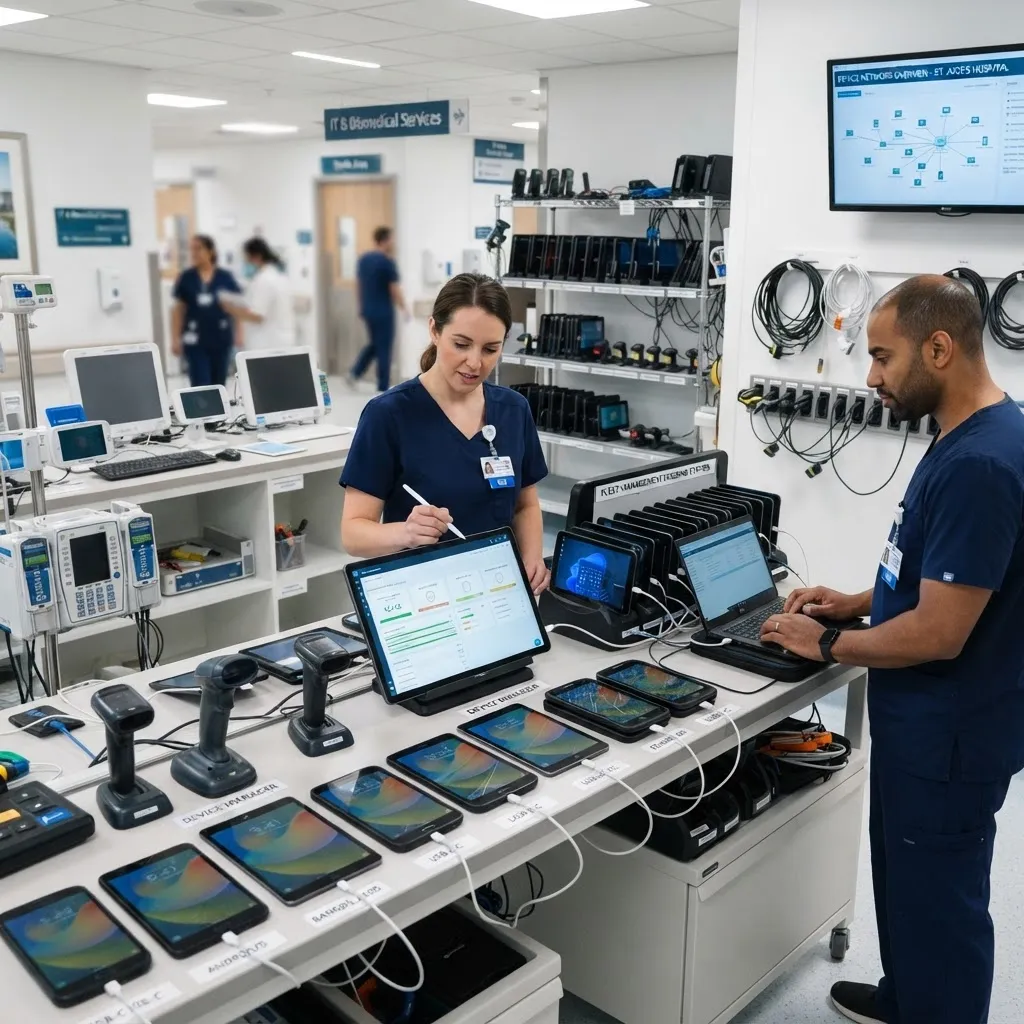
SCCM & Intune Deployment Centralises Device Management for Healthcare Provider
100% of 420 devices enrolled under centralised management across all 6 sites
 Education
Cloud Transformation Unifies 8 Schools for Multi-Academy Trust
8 separate IT environments unified into a single cloud-based platform
 Recruitment
Cloud Transformation Enables 200% Growth for Recruitment Agency
200% user growth supported — from 60 to 180 users within 18 months, with zero infrastructure changes
Book your free consultation
in 30 seconds.
No obligation. No spam. Just a certified engineer with a clear, proactive roadmap.