
Microsoft Defender for Office 365
Microsoft Defender for Office 365 (formerly Office 365 ATP) is Microsoft's advanced email and collaboration security platform, designed to protect Microsoft 365 environments from phishing, malware, ransomware, and business email compromise. While Exchange Online Protection provides basic anti-spam and anti-malware, Defender for Office 365 adds advanced threat protection — safe links, safe attachments, anti-phishing, and threat hunting capabilities. For UK businesses using Microsoft 365, Defender for Office 365 is a critical layer of security that protects against the email-based attacks that cause the majority of security incidents. We help businesses across London and the UK deploy, configure, and manage Microsoft Defender for Office 365 — ensuring your email and collaboration tools are protected against the full spectrum of modern threats.
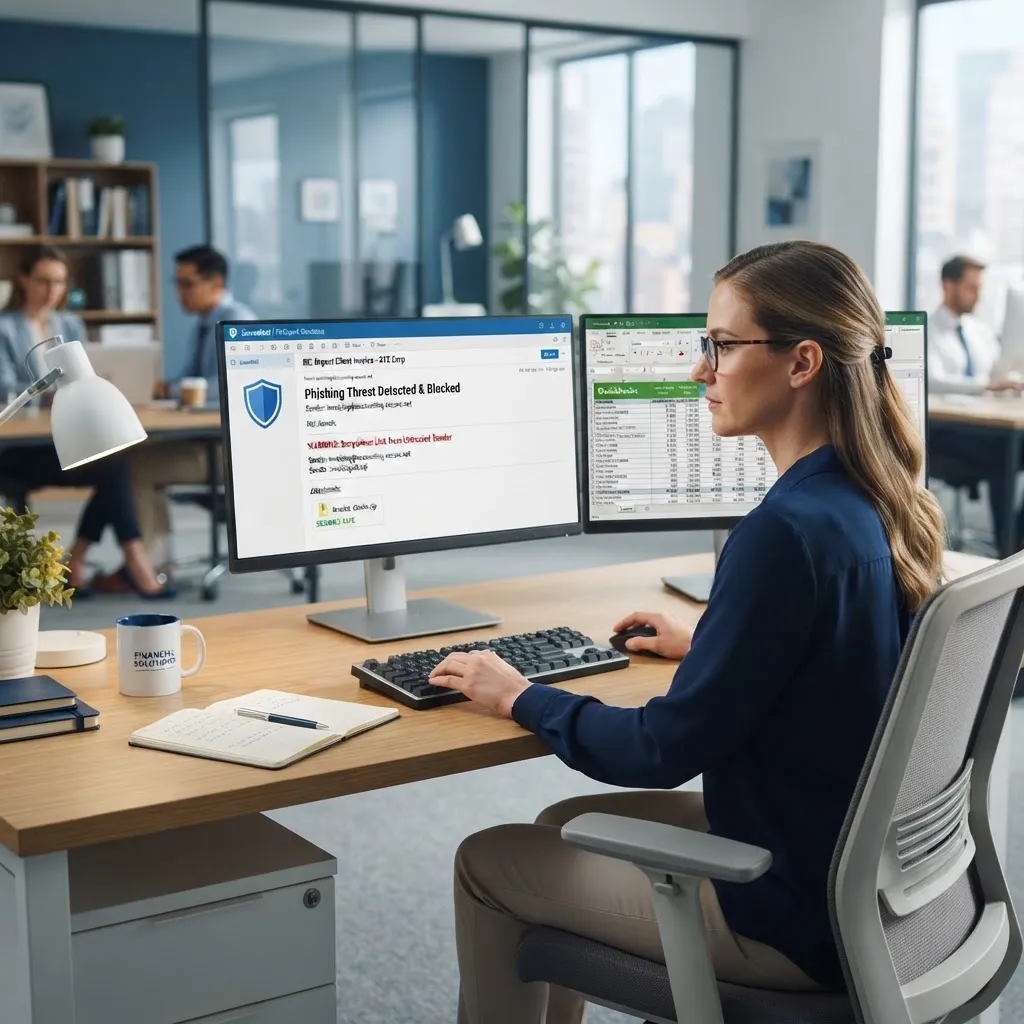
Microsoft Defender for Office 365 is an advanced email and collaboration security platform that protects against phishing, malware, ransomware, and business email compromise. It includes Safe Links (URL rewriting and scanning), Safe Attachments (sandbox detonation of email attachments), Anti-phishing policies (impersonation protection), Threat Explorer (threat hunting and investigation), and Automated Investigation and Response (automated remediation). It is available in Plan 1 (included with Business Premium and E3) and Plan 2 (included with E5) tiers.
Understanding Microsoft Defender for Office 365
Microsoft Defender for Office 365 is an advanced email and collaboration security platform that protects against phishing, malware, ransomware, and business email compromise. It includes Safe Links (URL rewriting and scanning), Safe Attachments (sandbox detonation of email attachments), Anti-phishing policies (impersonation protection), Threat Explorer (threat hunting and investigation), and Automated Investigation and Response (automated remediation). It is available in Plan 1 (included with Business Premium and E3) and Plan 2 (included with E5) tiers.
The business impact
Email is the #1 attack vector for cybercriminals, with over 90% of security incidents starting with a phishing email. While Exchange Online Protection blocks most spam and known malware, it cannot detect sophisticated, targeted attacks like zero-day malware, spear-phishing, and business email compromise. Defender for Office 365 adds the advanced detection capabilities needed to stop these threats — protecting your business from the email-based attacks that cause the most damage.
Who needs this?
Any business using Microsoft 365 that needs advanced email security beyond basic anti-spam. Businesses that handle sensitive communications or financial transactions via email. Businesses that are concerned about phishing, ransomware, or business email compromise. Businesses that need to meet compliance requirements for email security. Businesses that want automated threat detection and response rather than manual investigation.
Who doesn't need this?
Businesses already using Mimecast or a similar enterprise email security solution may not need Defender for Office 365 — though some businesses use both for layered protection. Very small businesses (1–5 users) with low risk may find Exchange Online Protection sufficient, though we recommend at least basic Defender for Office 365 for all businesses.
The technical overview
Defender for Office 365 sits within the Microsoft 365 environment, scanning all inbound, outbound, and internal email. Safe Links rewrites URLs in email and checks them at click time. Safe Attachments opens email attachments in a sandbox environment to detect malicious behaviour before delivery. Anti-phishing policies detect impersonation attempts. Threat Explorer provides real-time visibility into threats. Automated Investigation and Response can automatically remediate threats without admin intervention.
Related technologies
What affects the cost?
Expert recommendations
Enable Safe Links and Safe Attachments for all users — these are the most effective protections against email-based threats.
Configure anti-phishing policies with impersonation protection for your executives and key staff.
Set up alert policies for suspicious activity and regularly review alerts.
Use Threat Explorer to investigate threats and identify targeted attacks.
Train users to report suspicious emails using the Report Message button in Outlook.
Regularly review and tune policies based on threat trends and false positive rates.
Industries that benefit
Need help with microsoft defender for office 365?
Our certified engineers can help you evaluate, deploy, and manage microsoft defender for office 365 for your business.
Microsoft Defender for Office 365 — your questions answered
Common questions about microsoft defender for office 365, pricing, implementation, and best practices.
Related services & client success stories
Real-world microsoft defender for office 365 solutions and proven client outcomes from our consulting engagements.
Services

Email Security (Mimecast)
Enterprise-grade email security with Mimecast to stop phishing, ransomware, and business email compromise.

Device Management (SCCM & Intune)
Centralised device management with SCCM and Microsoft Intune for software deployment, patching, and security compliance.

Microsoft 365 Support
Microsoft 365 support services — expert setup, zero-downtime migration, security hardening, and ongoing management of your productivity suite.
Case Studies
 Accounting & Finance
Mimecast Email Security Stops Phishing Campaigns Targeting Accounting Firm
99.97% of malicious email blocked before reaching users — including all impersonation attempts
 Legal Services
Zero-Downtime Microsoft 365 Migration for Central London Law Firm
Zero downtime during migration — all 65 users maintained email access throughout
 Financial Services
Cybersecurity & Compliance Strategy for a Wealth Management Firm
99.97% of malicious email blocked before reaching users
Book your free consultation
in 30 seconds.
No obligation. No spam. Just a certified engineer with a clear, proactive roadmap.