The Short Answer
Mimecast is a cloud-based email security platform that stops phishing, ransomware, spam, and business email compromise (BEC) before they reach your users' inboxes. For UK businesses, Mimecast provides four critical layers of protection: inbound threat detection (blocks 99.9% of malicious email), continuity service (keeps email flowing during outages), archive and compliance (stores email for up to 10 years for legal and regulatory requirements), and awareness training (trains users to spot phishing attempts). Typical cost is £4–£12 per user per month. For businesses handling sensitive data or subject to regulatory compliance, Mimecast is one of the most effective cybersecurity investments available — preventing a single successful phishing attack pays for years of the service.
Email is the number one attack vector for cyber criminals. Over 90% of cyber attacks begin with a phishing email, and the average cost of a successful business email compromise attack in the UK is over £10,000. Standard email security — even Office 365's built-in protection — is not enough for businesses that handle sensitive data, financial transactions, or regulated information. Mimecast provides enterprise-grade email security that is accessible to SMEs.
What Is Mimecast and How Does It Work?
Mimecast sits between the internet and your email server (whether on-premises Exchange or Office 365). All inbound email flows through Mimecast's cloud service, where it is scanned for threats before being delivered to your users.
The four layers of Mimecast protection:
1. Inbound Threat Detection
Mimecast uses multiple detection engines to identify and block threats:
- Anti-spam and anti-malware — Blocks spam, viruses, and known malware using signature-based and heuristic detection.
- Targeted Threat Protection (TTP) — Defends against spear-phishing, ransomware, and zero-day attacks using sandboxing and URL rewriting.
- Impersonation protection — Detects emails that impersonate executives, suppliers, or partners — the primary technique used in business email compromise (BEC) attacks.
- DMARC authentication — Enforces DMARC policies to prevent domain spoofing and email forgery.
Result: Mimecast blocks over 99.9% of malicious email before it reaches your users.
2. Email Continuity Service
When your email server goes down — whether due to hardware failure, a cyber attack, or a Microsoft 365 outage — Mimecast keeps email flowing. Users can continue sending and receiving email through the Mimecast web portal or mobile app, and all email is queued and synced when your primary server comes back online.
Why this matters: Email downtime costs UK businesses an average of £4,000+ per hour. Mimecast continuity means your business never loses email access, even during a complete server failure.
3. Archive and Compliance
Mimecast stores every email — inbound, outbound, and internal — in a tamper-proof cloud archive for up to 10 years. This supports:
- Legal discovery — Quickly search and export emails for litigation or regulatory investigations.
- Compliance — Meet GDPR, FCA, and other regulatory retention requirements.
- Storage management — Reduce mailbox sizes by archiving old email, improving server performance.
- eDiscovery — Search across all users' email archives with granular filters and legal hold capabilities.
4. Security Awareness Training
Mimecast includes phishing simulation and awareness training that tests your users with realistic phishing emails and provides targeted training to those who click. This turns your weakest security link — human error — into a strength.
How it works:
- Mimecast sends simulated phishing emails to your users at regular intervals.
- Users who click receive instant, bite-sized training.
- Administrators receive reports showing which users are most vulnerable.
- Over time, phishing click rates drop by 60–80%.
Why Standard Email Security Is Not Enough
Office 365 includes Exchange Online Protection (EOP) and optional Advanced Threat Protection (ATP). While these provide good baseline security, they have limitations that Mimecast addresses:
| Capability | Office 365 EOP/ATP | Mimecast | |-----------|-------------------|----------| | Spam and malware blocking | Good | Excellent (multi-engine) | | Phishing detection | Good | Excellent (impersonation protection) | | Email continuity during outages | No | Yes (web portal + mobile) | | Long-term email archiving | Limited (In-Place Archive) | Yes (up to 10 years, tamper-proof) | | Phishing simulation training | No (separate product) | Included | | Legal hold and eDiscovery | Limited | Comprehensive | | Multi-engine threat detection | No (single engine) | Yes (multiple engines) |
For businesses that need continuity, compliance, or advanced threat protection, Mimecast provides capabilities that Office 365 alone cannot match.
How to Implement Mimecast in Your Business
- Assess your email environment — Document your email flow, user count, compliance requirements, and current security measures.
- Choose the right Mimecast package — Mimecast offers several tiers: Essentials, Standard, Premium, and Enterprise. Most SMEs need Standard or Premium.
- Configure DNS — Update your MX records to route email through Mimecast. This is the key step that puts Mimecast in the email flow.
- Set up policies — Configure spam thresholds, impersonation protection rules, and continuity settings.
- Deploy to users — Install the Mimecast desktop plugin and mobile app. Configure Outlook integration.
- Enable awareness training — Schedule phishing simulations and assign training to users who need it.
- Monitor and tune — Review threat reports weekly for the first month and adjust policies to reduce false positives and catch emerging threats.
Real-World Impact: What Mimecast Prevents
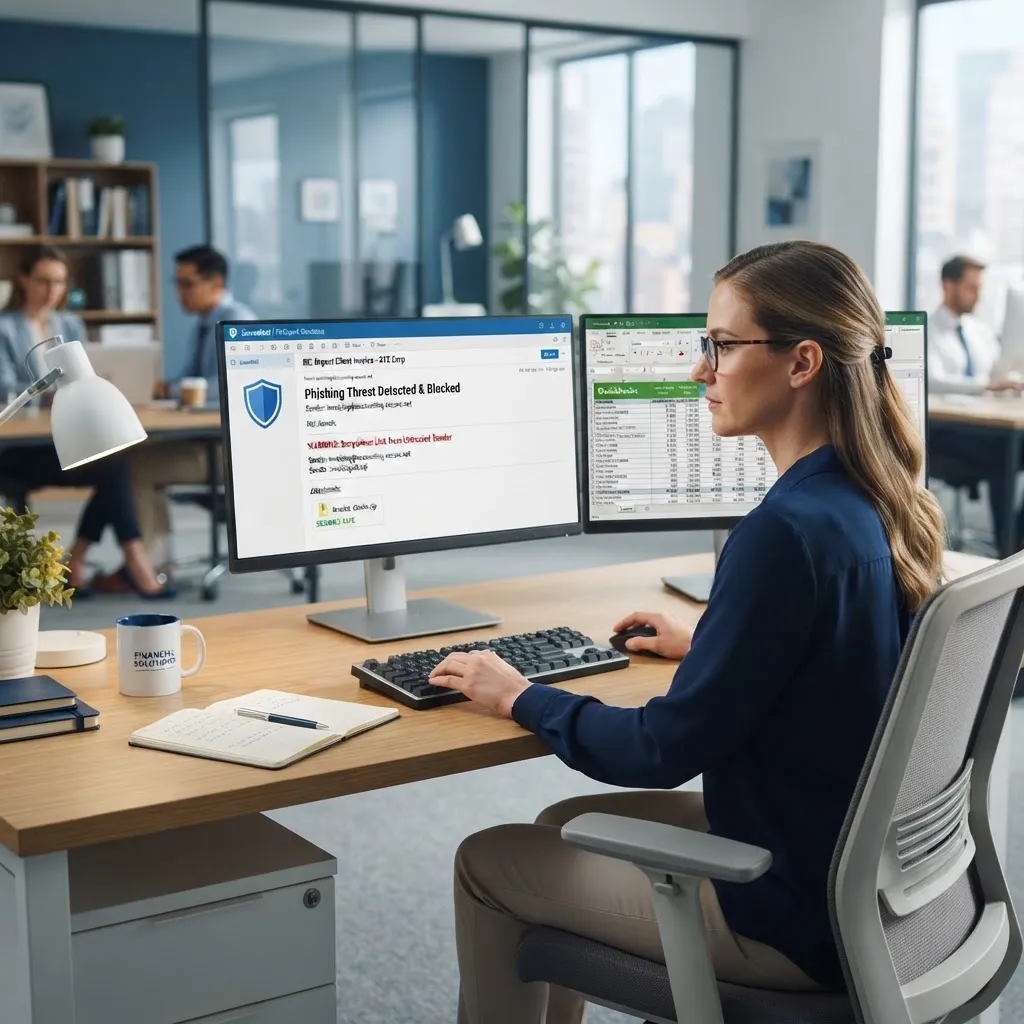
Phishing attack blocked: A London accounting firm received a targeted email impersonating their bank, requesting a £45,000 transfer to a new account. Mimecast's impersonation protection flagged the email as suspicious and held it for administrator review. The attack was identified and blocked before reaching the finance team.
Ransomware blocked: A manufacturing company received an email with a ransomware-laden attachment. Mimecast's sandboxing detected the malicious behaviour and blocked the attachment, preventing what could have been a £100,000+ ransomware incident.
Email continuity during outage: When Microsoft 365 experienced a regional outage, a legal firm continued sending and receiving email through Mimecast's continuity service — no downtime, no lost emails, no client impact.
Frequently Asked Questions
How much does Mimecast cost per user?
Mimecast typically costs £4–£12 per user per month, depending on the package and features. The Standard package, which includes threat protection, continuity, and archiving, costs around £7–£9 per user per month. Most SMEs find the cost justified by preventing even a single successful phishing attack.
Does Mimecast work with Office 365?
Yes. Mimecast works seamlessly with Office 365 (Exchange Online). In fact, many businesses use Mimecast alongside Office 365 to add continuity, archiving, and advanced threat protection that Office 365's built-in security does not provide. Mimecast sits in front of Office 365, scanning all email before it reaches Microsoft.
How long does it take to deploy Mimecast?
A typical Mimecast deployment takes 1–2 weeks. The main steps are DNS configuration (routing email through Mimecast), policy setup, and user deployment. There is no downtime during deployment — email continues flowing throughout the transition.
Can Mimecast stop all phishing attacks?
No security solution can stop 100% of attacks, but Mimecast blocks over 99.9% of malicious email. The remaining fraction is why user awareness training is critical — Mimecast's phishing simulations train users to spot the small percentage of attacks that might slip through. The combination of technology and trained users provides the best protection.
Is Mimecast worth it for a small business?
If your business handles sensitive data, processes financial transactions, or is subject to regulatory compliance, Mimecast is absolutely worth it. The cost of a single successful phishing attack — lost funds, data breach, reputational damage, and regulatory fines — far exceeds the annual cost of Mimecast. For very small businesses with minimal email risk, Office 365's built-in protection may be sufficient.