The Short Answer
Ransomware is the single biggest cyber threat to UK businesses in 2026, with attacks costing UK organisations over £1.2 billion in 2025 alone. The most effective defence is a seven-layer strategy: email security (blocks 90% of attacks at the inbox), multi-factor authentication (prevents credential theft), endpoint protection (stops malware execution), immutable backups (enables recovery without paying), network segmentation (limits lateral movement), patch management (closes vulnerabilities), and security awareness training (turns employees into a human firewall). Businesses that implement all seven layers reduce their ransomware risk by over 95%. The investment — typically £15–£40 per user per month — is a fraction of the average ransomware cost of £180,000 per incident.
Ransomware has evolved from opportunistic attacks by individuals to highly organised criminal operations with ransomware-as-a-service, dedicated negotiation teams, and double-extortion tactics. No business is too small to be a target — in fact, SMEs are increasingly targeted because they have valuable data but typically weaker security than large enterprises. This guide walks through the complete defence strategy we deploy for our clients.
Understanding the Modern Ransomware Threat
Ransomware in 2026 is fundamentally different from the ransomware of five years ago. Understanding how attacks work is the first step to preventing them.
The Attack Chain
A typical ransomware attack follows this sequence:
- Initial access — The attacker gains entry to your network, usually through a phishing email (60% of attacks), compromised credentials (20%), or an unpatched vulnerability (15%).
- Lateral movement — The attacker moves through your network, escalating privileges and identifying critical systems and data.
- Data exfiltration — Before encrypting anything, the attacker steals your data. This enables double extortion — they can threaten to publish your data even if you have backups.
- Encryption — The attacker deploys ransomware across your environment, encrypting servers, file shares, databases, and backups.
- Extortion — The attacker demands payment, threatening both to keep your data encrypted and to publish the stolen data publicly.
Double Extortion
Modern ransomware doesn't just encrypt your data — it steals it first. This means that even if you have perfect backups and can restore without paying, the attacker can still threaten to publish your sensitive data, contact your clients, or sell it on the dark web. This makes prevention far more important than recovery alone.
Ransomware-as-a-Service
Ransomware is now sold as a service. Criminal organisations develop the ransomware, handle negotiation and payment, and provide technical support — then affiliate attackers deploy it for a share of the profits. This means the technical barrier to launching a ransomware attack is lower than ever.
The Seven-Layer Ransomware Defence Strategy
Layer 1: Email Security
Email is the entry point for 60% of ransomware attacks. Blocking malicious email before it reaches users is your first and most important defence.
What to implement:
- Advanced email security — Deploy Mimecast or Microsoft Defender for Office 365 to block phishing, malware, and malicious attachments before they reach user inboxes.
- Safe links and safe attachments — Rewrite URLs and detonate attachments in a sandbox before delivery.
- Impersonation protection — Detect emails that impersonate executives, suppliers, or partners — a common technique for spear-phishing that leads to ransomware.
- DMARC enforcement — Prevent email spoofing by enforcing DMARC policies on your domain and encouraging your partners to do the same.
Impact: Blocks 90% of ransomware attacks at the email gateway, before they ever reach a user.
Layer 2: Multi-Factor Authentication
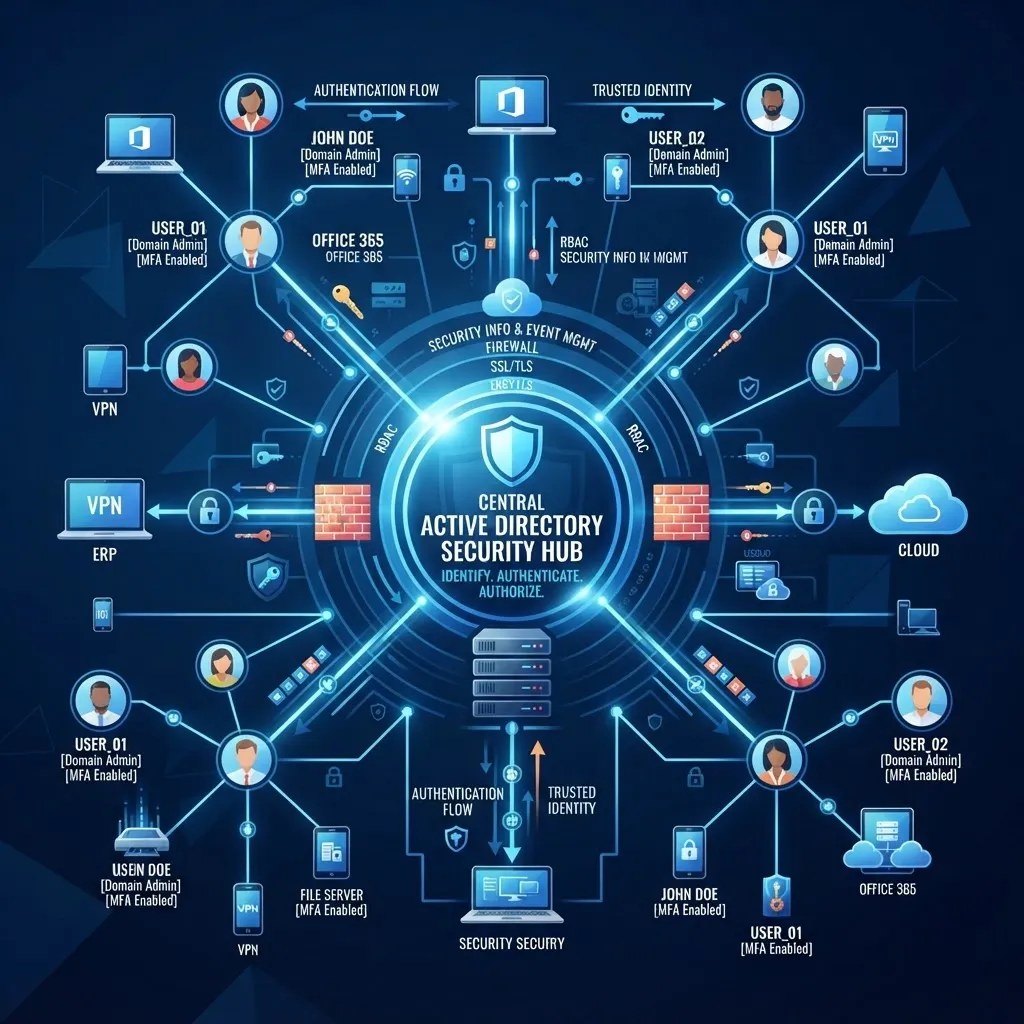
Compromised credentials are the second most common entry point for ransomware. Multi-factor authentication (MFA) blocks 99.9% of identity-based attacks.
What to implement:
- MFA for all users — Not just administrators. Every account is a potential entry point.
- Authenticator apps — Use Microsoft Authenticator or similar, not SMS (which is vulnerable to SIM swapping).
- Conditional access — Require MFA only when needed (e.g., from new locations or unmanaged devices) to reduce user friction.
- Hardware tokens for admins — Use YubiKey or FIDO2 tokens for high-privilege accounts.
Impact: Blocks 99.9% of credential-based attacks, which account for 20% of ransomware entry points.
Layer 3: Endpoint Protection
Endpoint protection (antivirus/EDR) stops ransomware from executing on user devices and servers. Modern endpoint protection uses behavioural analysis and machine learning, not just signature-based detection.
What to implement:
- EDR/XDR solution — Microsoft Defender for Endpoint, CrowdStrike, or SentinelOne — not traditional signature-based antivirus.
- Behavioural detection — Detect ransomware behaviour (mass file encryption, shadow copy deletion) and stop it in real time.
- Automated response — Automatically isolate infected devices from the network to prevent lateral movement.
- Application control — Restrict which applications can run, preventing unknown or untrusted executables from executing.
Impact: Stops ransomware execution on protected devices, even if the initial email or credential compromise succeeds.
Layer 4: Immutable Backups
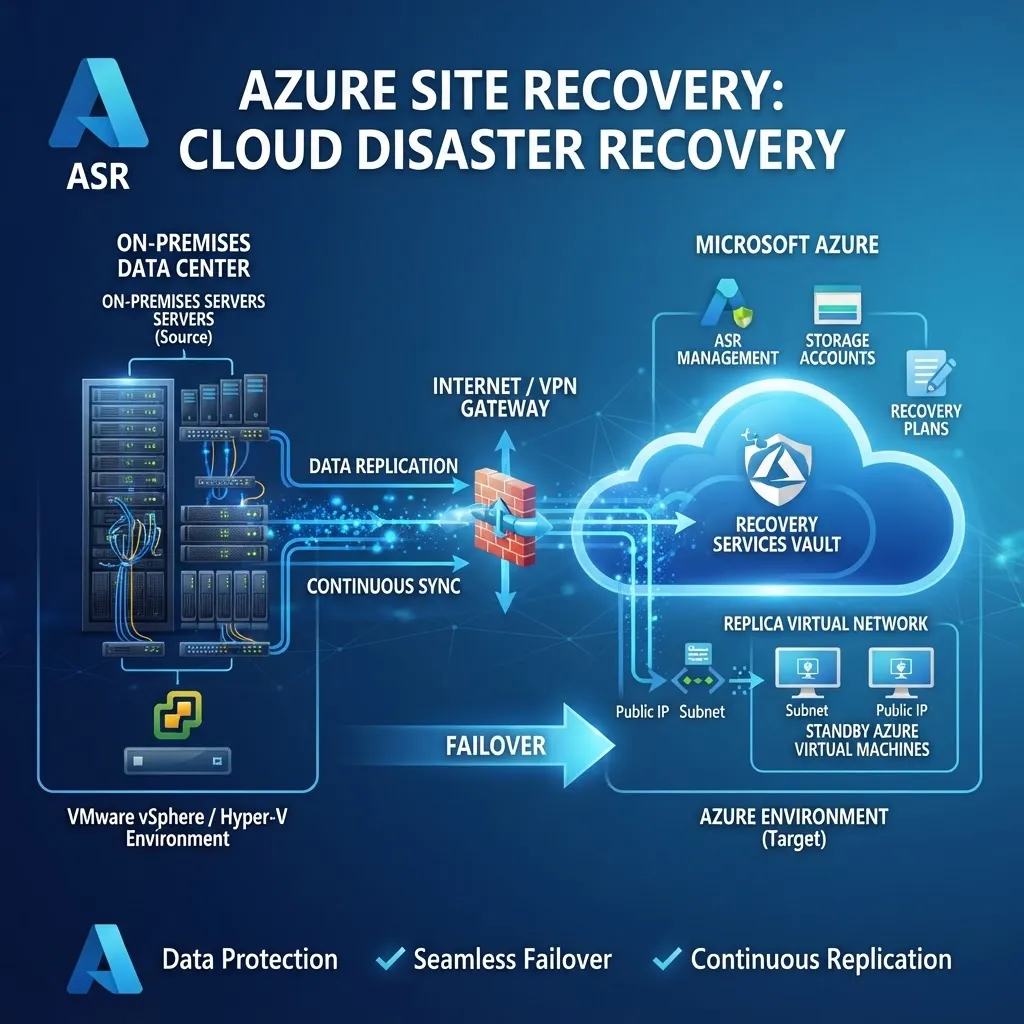
Backups are your last line of defence — if ransomware encrypts your data, you recover from backup without paying. But ransomware now specifically targets and encrypts backups. Immutable backups — backups that cannot be modified or deleted — are essential.
What to implement:
- 3-2-1 backup rule — 3 copies of data, on 2 different media, with 1 copy offsite.
- Immutable storage — Use Azure Blob Storage with immutable (WORM) policies, or backup solutions with air-gapped or immutable storage.
- Offline backups — Maintain at least one backup copy that is completely disconnected from your network (air-gapped).
- Tested recovery — Test backup restoration monthly. A backup you haven't tested is a hope, not a strategy.
Impact: Enables recovery without paying the ransom, even if ransomware encrypts your primary data and online backups.
Layer 5: Network Segmentation
Ransomware spreads laterally through networks. If all your devices are on the same network, one infected device can spread ransomware to your entire environment. Network segmentation limits the blast radius.
What to implement:
- VLAN segmentation — Separate servers, user devices, IoT devices, and guest networks into different VLANs.
- Micro-segmentation — For critical servers, implement micro-segmentation that restricts which devices can communicate with them.
- Zero Trust access — Require authentication and authorisation for every network connection, not just perimeter access.
- Firewall rules — Restrict traffic between segments to only what is necessary.
Impact: Limits ransomware spread to the initially compromised segment, preventing organisation-wide encryption.
Layer 6: Patch Management
Unpatched vulnerabilities are the third most common ransomware entry point. Attackers actively scan for known vulnerabilities and exploit them within days of disclosure.
What to implement:
- Automated patching — Use SCCM, Intune, or WSUS to automate patch deployment across all devices.
- Patch within 14 days — This is the Cyber Essentials Plus requirement and a good baseline.
- Critical patches within 72 hours — For critical vulnerabilities being actively exploited, patch within 72 hours.
- Test before deploying — Test patches in a non-production environment to avoid breaking critical applications.
Impact: Closes the vulnerabilities that ransomware exploits to gain initial access and spread.
Layer 7: Security Awareness Training
Your employees are both your weakest link and your last line of defence. 60% of ransomware starts with a phishing email that a user clicks. Training turns employees from a vulnerability into a human firewall.
What to implement:
- Phishing simulations — Send realistic phishing emails to test your team and train those who click.
- Regular training — Quarterly training sessions covering phishing recognition, password security, and incident reporting.
- Report button — Install a "Report Phishing" button in Outlook so users can report suspicious emails with one click.
- New starter training — Include security awareness in every new employee's onboarding.
Impact: Reduces phishing click rates by 60–80%, preventing the initial compromise that leads to ransomware.
What to Do If You're Hit by Ransomware
Despite your best defences, you may still be hit. Here's what to do:
- Isolate — Immediately disconnect infected devices from the network to prevent spread. Do not turn them off — you may need memory for forensic analysis.
- Assess — Determine the scope of the attack. Which systems are affected? Is data exfiltrated?
- Activate your incident response plan — Contact your IT partner, cyber insurance, and legal counsel.
- Do not pay the ransom — Paying funds criminal activity, doesn't guarantee data recovery, and may be illegal. UK government and NCSC strongly advise against paying.
- Restore from backup — If you have immutable, tested backups, restore from them. This is why Layer 4 is so important.
- Report — Report the attack to Action Fraud (UK's national fraud and cyber crime reporting centre) and the ICO (if personal data is breached).
- Forensic analysis — Understand how the attack happened and close the gap to prevent recurrence.
The Cost of Ransomware vs. The Cost of Prevention
Average ransomware cost for a UK SME:
- Ransom payment (if paid): £50,000–£500,000
- Downtime (5–10 days): £20,000–£80,000
- Recovery and remediation: £15,000–£50,000
- Data breach notification and legal: £10,000–£30,000
- Reputational damage and lost clients: £20,000–£100,000
- Total: £115,000–£760,000
Cost of seven-layer prevention:
- Email security (Mimecast): £7–£9/user/month
- MFA: Free with Microsoft 365
- Endpoint protection: £3–£5/user/month
- Immutable backups: £2–£5/user/month
- Network segmentation: One-time project cost
- Patch management: Included in managed support
- Security training: £1–£3/user/month
- Total: £13–£22/user/month — £15,600–£26,400/year for 100 users
Prevention costs 3–5% of the cost of a single ransomware incident. The ROI is clear.
Frequently Asked Questions
How common are ransomware attacks on UK SMEs?
Ransomware attacks on UK SMEs increased by 400% between 2020 and 2025. In 2025, 1 in 5 UK businesses experienced a ransomware attack. SMEs are increasingly targeted because they have valuable data but typically weaker security than large enterprises. The average cost of a ransomware incident for a UK SME is £180,000.
Should I pay the ransom if I'm hit by ransomware?
No. The UK government, NCSC, and Information Commissioner's Office all strongly advise against paying ransoms. Paying funds criminal activity, doesn't guarantee data recovery (30% of victims who pay don't get their data back), and may be illegal under UK sanctions law. The best defence is immutable, tested backups that enable recovery without paying.
What is double extortion ransomware?
Double extortion is a modern ransomware tactic where attackers steal your data before encrypting it. Even if you have backups and can restore without paying, the attacker threatens to publish your stolen data publicly or sell it on the dark web. This makes prevention (stopping the attack before data exfiltration) far more important than recovery alone.
How do immutable backups protect against ransomware?
Immutable backups use write-once-read-many (WORM) storage that cannot be modified, encrypted, or deleted — even by administrators. Ransomware specifically targets and encrypts backups, but immutable backups are protected from this. If ransomware encrypts your primary data, you restore from immutable backups without paying the ransom.
How long does it take to recover from ransomware?
With immutable, tested backups, recovery typically takes 4–24 hours depending on data volume. Without tested backups, recovery can take 1–3 weeks — or may not be possible at all. This is why regular backup testing is critical. A backup you haven't tested is a hope, not a strategy.
Can endpoint protection stop all ransomware?
No security tool stops 100% of attacks, but modern EDR/XDR solutions stop the vast majority. Behavioural detection catches ransomware that signature-based antivirus misses — including zero-day ransomware that has never been seen before. The key is to combine endpoint protection with the other six layers for defence in depth.
How often should I test my disaster recovery and backups?
Test backup restoration monthly and full disaster recovery quarterly. Regular testing ensures your recovery will work when you need it and identifies issues before a real disaster. 60% of businesses that test their disaster recovery discover it doesn't work — testing is how you avoid being one of them.
Is ransomware covered by cyber insurance?
Some cyber insurance policies cover ransomware, but policies are becoming more restrictive. Most now require multi-factor authentication, immutable backups, and Cyber Essentials certification as prerequisites for coverage. Even with insurance, the reputational damage and business disruption of a ransomware attack far exceed the covered costs. Prevention is always cheaper than insurance claims.