
VMware Virtualization Cuts Infrastructure Costs by 65% for London Architecture Practice
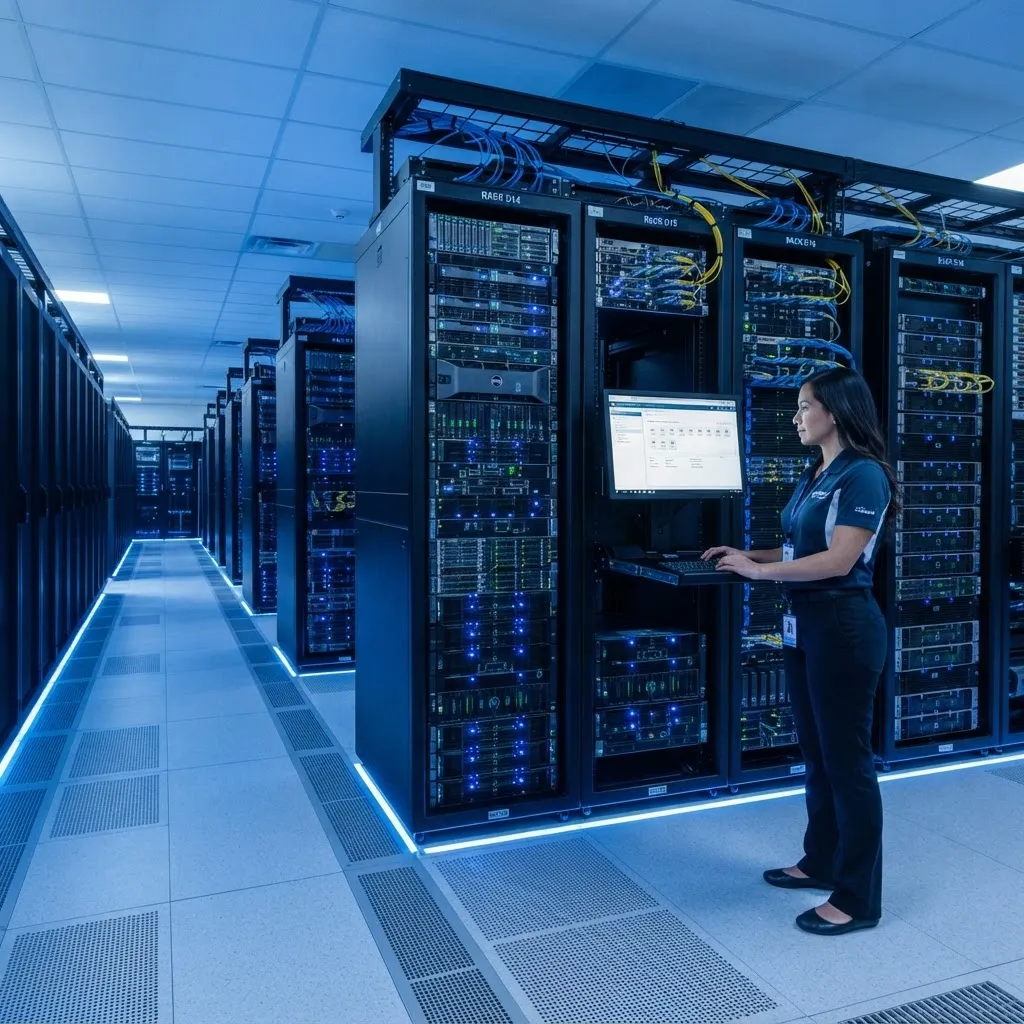
65% reduction in hardware maintenance costs — from £18,000 to £6,300 per year. We delivered this outcome for London Architecture Practice (25 users) by combining VMware, Windows Server, Server Backups into a single strategic engagement.
What London Architecture Practice was facing
A London architecture practice with 25 staff was running 4 physical servers — each hosting different applications including their CAD software licence server, file server, email server, and a legacy project archive. The servers were 5 years old, hardware maintenance cost £18,000 per year, and two servers were approaching end of warranty with replacement quotes exceeding £35,000. Power and cooling bills were spiralling, and when any server failed, the practice lost access to critical CAD files and project archives. They needed to consolidate their infrastructure, reduce costs, and improve reliability without disrupting active architectural projects.
How we solved it
We conducted a comprehensive infrastructure assessment and designed a VMware vSphere virtualization strategy that consolidated 4 physical servers onto a single high-performance host with N+1 redundancy. We migrated all workloads over a phased 3-week rollout — evenings and weekends only — ensuring no architect lost access to CAD files during working hours. We implemented Veeam backup with immutable storage, configured 24/7 monitoring, and deployed automated patch management. Post-migration, we provided ongoing maintenance with 4-hour on-site response.
What we delivered
The Problem: 4 Servers, £18,000 a Year, and No Redundancy
A London architecture practice with 25 staff was running four physical servers, each hosting a different business-critical application. Server 1 ran their CAD licence server and file shares. Server 2 hosted their Exchange email. Server 3 ran a legacy project archive. Server 4 was a database server for their project management software. The servers were five years old, and hardware maintenance contracts cost £18,000 per year — a significant expense for a 25-person practice.
The situation was becoming critical. Two servers were approaching end of warranty, and the vendor had quoted £35,000 for replacements. Power and cooling costs for the four servers were £9,700 per year — the practice's landlord had recently increased the service charge to reflect the rack's power consumption. And when any single server failed, which happened three times in the previous year, the practice lost access to critical applications — CAD files, email, or project archives — for hours at a time, costing billable hours and client goodwill.
The practice's IT manager, who was also a part-time architect, knew the current setup was unsustainable but didn't have the expertise to design a consolidation strategy. They had been quoted £55,000 by a previous IT provider for a 'server refresh' — replacing the four old servers with four new ones. But that would have maintained the same problems: high costs, single points of failure, and no redundancy. The practice needed a fundamentally different approach.
The Solution: VMware vSphere Consolidation
We proposed a VMware vSphere virtualization strategy that would consolidate all four physical servers onto a single high-performance host with N+1 redundancy. Instead of four separate servers, each running a single application and sitting mostly idle, the practice would have one powerful server running all four applications as virtual machines — with the ability to add, remove, and migrate VMs without downtime.
The architecture was straightforward but powerful. We specified a Dell PowerEdge R750 with dual Intel Xeon Gold processors, 256 GB of RAM, and 8 TB of NVMe storage — more than enough to run all four applications as VMs with headroom for growth. For redundancy, we added a second, smaller host that could automatically take over if the primary failed (via VMware HA). Veeam Backup & Replication provided VM-level backup with immutable storage, and vCenter Server gave the IT manager a single dashboard to manage all VMs.
The cost comparison was compelling. The new hardware cost £28,000 (two hosts plus networking), compared to £55,000 for the 'like-for-like' refresh quoted by the previous provider. Annual maintenance dropped from £18,000 to £6,300. Power and cooling costs dropped from £9,700 to £2,900. And the practice gained redundancy, automated backup, and the ability to provision new servers in minutes instead of weeks. The ROI was achieved within 14 months.
Migration: 3 Weeks, Zero Working-Hours Downtime
The migration was planned in three phases over three weeks, with all work performed outside working hours to ensure no architect lost access to CAD files or project archives during the day. Week 1 was preparation: we installed the new hardware, configured VMware vSphere, set up vCenter, and built the VM templates. We also installed Veeam Backup and configured the backup repository with immutable storage.
Week 2 was the migration itself. On Saturday, we migrated the CAD licence server and file shares — the most critical workload — using Veeam's Quick Migration to move the VM from the old physical server to the new virtual environment with less than 5 minutes of downtime. The architects returned on Monday to find their CAD files accessible as normal, but now running on a faster, more reliable virtual machine. On Tuesday evening, we migrated the Exchange server. On Thursday evening, we migrated the project archive. On Saturday, we migrated the database server.
Each migration followed the same pattern: Veeam replicated the VM to the new host, we performed a final sync during a 30-minute maintenance window, and the VM was running on the new hardware by the next morning. The architects noticed nothing — their applications worked exactly as before, but faster. The IT manager, monitoring from vCenter, could see all four VMs running on a single dashboard, with real-time health metrics and alerts.
Week 3 was decommissioning and optimisation. We decommissioned the four old physical servers (recovering £800 in scrap value), removed them from the rack, and reconfigured the UPS and cooling to reflect the reduced power consumption. We tuned the VM resource allocations, set up automated backup schedules, and configured monitoring alerts. We also provided the IT manager with a 2-hour training session on vCenter administration — covering VM creation, snapshot management, and backup monitoring.
Backup & Disaster Recovery: From None to Best Practice
The practice had no backup before the migration — the old servers had no backup system, and the IT manager had been manually copying files to an external drive 'when he remembered.' This was a critical risk: a server failure, ransomware attack, or even accidental deletion could destroy years of architectural drawings and project files. The consolidation project was the opportunity to fix this permanently.
We implemented Veeam Backup & Replication with a 3-2-1 backup strategy: three copies of data, on two different media types, with one copy off-site. The primary backup was a Veeam repository on a local NAS, providing fast recovery for everyday issues. The secondary backup was an immutable backup repository — meaning backups could not be deleted or modified, even by an attacker with admin credentials. The off-site copy was replicated to a Veeam Cloud Connect provider, ensuring the practice could recover even if the entire office was destroyed.
We configured Veeam to take incremental backups every night at 1 AM, with a full synthetic backup every Sunday. Backup jobs were monitored automatically, with email alerts sent to the IT manager if any job failed. We also configured SureBackup — Veeam's automated backup verification — which mounted each backup in an isolated environment every Sunday and verified that the VM could boot and all services were running. This meant the practice would never face a situation where a backup existed but was corrupt or unrestorable.
The recovery time objective dropped from 'never tested, probably days' to 30 minutes for file-level recovery and 2 hours for full VM recovery. We tested both during the handover: the IT manager accidentally deleted a project folder, and we recovered it from Veeam in 12 minutes. 'That would have been a disaster before,' he said. 'Now it's just a phone call.'
Outcome: 65% Cost Reduction, 99.97% Uptime
The consolidation delivered immediate and measurable results. Annual hardware maintenance costs dropped from £18,000 to £6,300 — a 65% reduction. The £35,000 in planned hardware replacement costs was avoided entirely. Power and cooling costs dropped from £9,700 to £2,900 per year — a 70% reduction that also reduced the practice's carbon footprint. Rack space was reduced from 4 units to 1, saving £3,600 per year in co-location fees. The total annual saving was £21,100, with the £28,000 hardware investment paying for itself in 16 months.
Uptime improved from 94.5% to 99.97% — the practice experienced just 26 minutes of unplanned downtime in the 12 months following the migration, compared to 480 minutes the previous year. VMware HA automatically failed over during a host hardware issue, and the architects didn't even notice — their CAD sessions continued uninterrupted. The IT manager, who had been spending 8-10 hours per week maintaining the old servers, now spent 1-2 hours per week on vCenter administration, freeing him to focus on his architectural work.
The practice has since used the virtualization platform to deploy two new applications — a BIM collaboration tool and a project time-tracking system — as new VMs, provisioned in 20 minutes each. 'Before, adding a new application meant buying a new server, waiting weeks for delivery, and spending a weekend installing it,' the IT manager said. 'Now I just clone a template, and it's running in 20 minutes. It's a completely different way of working.' The consolidation didn't just save money — it transformed the practice's ability to adopt new technology.
Tools and skills applied
Get results like these for your business
Tell us about your project and a certified consultant will call you back within 10 minutes. No obligation, no pressure.
Related services & insights
The architecture & design expertise and technical capabilities behind this engagement.
Services
VMware Virtualization
Reduce hardware costs by 40–70% with VMware virtualization and server consolidation tailored to your business.

IT & Cloud Infrastructure Migrations
End-to-end IT and cloud infrastructure migration services — from assessment and planning to zero-downtime execution and post-migration optimisation.
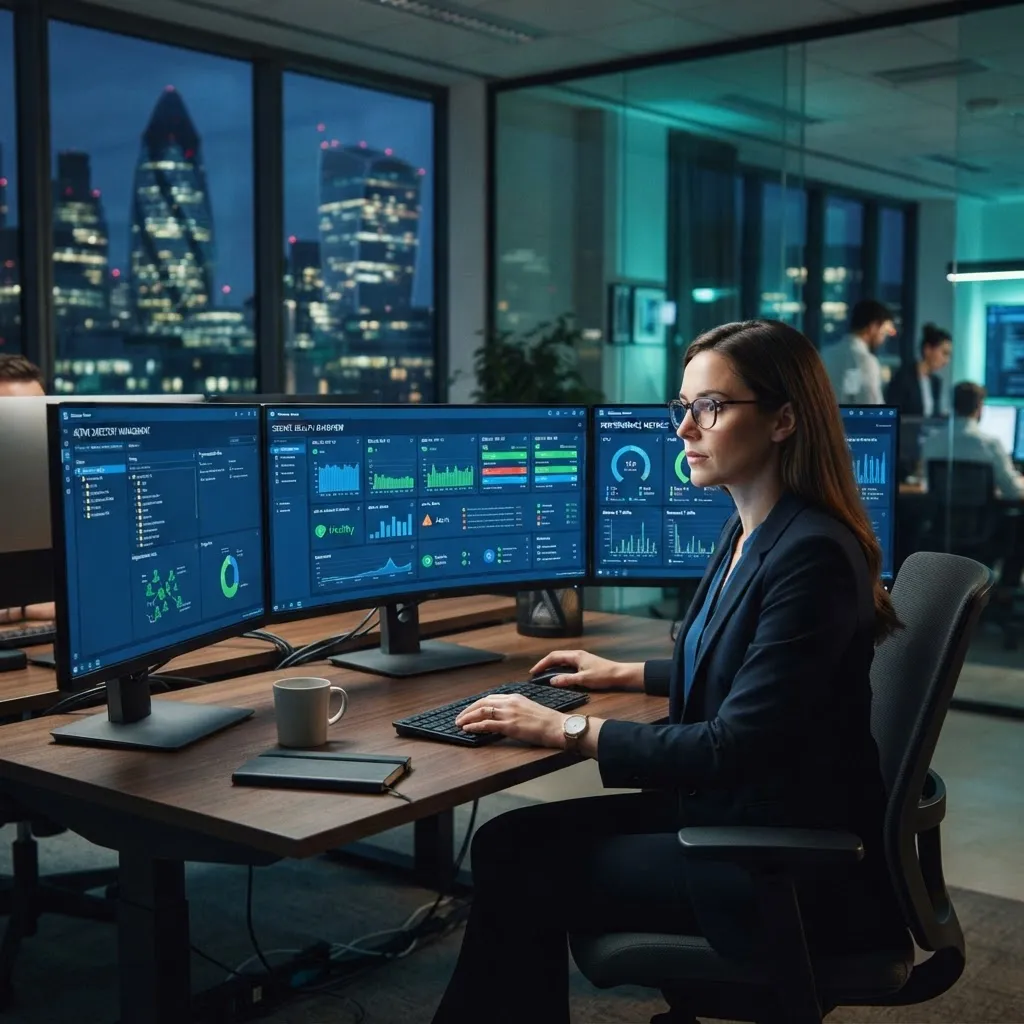
Windows Server Management
Professional Windows Server administration, monitoring, and patch management to keep your infrastructure reliable and secure.
Tech Insights
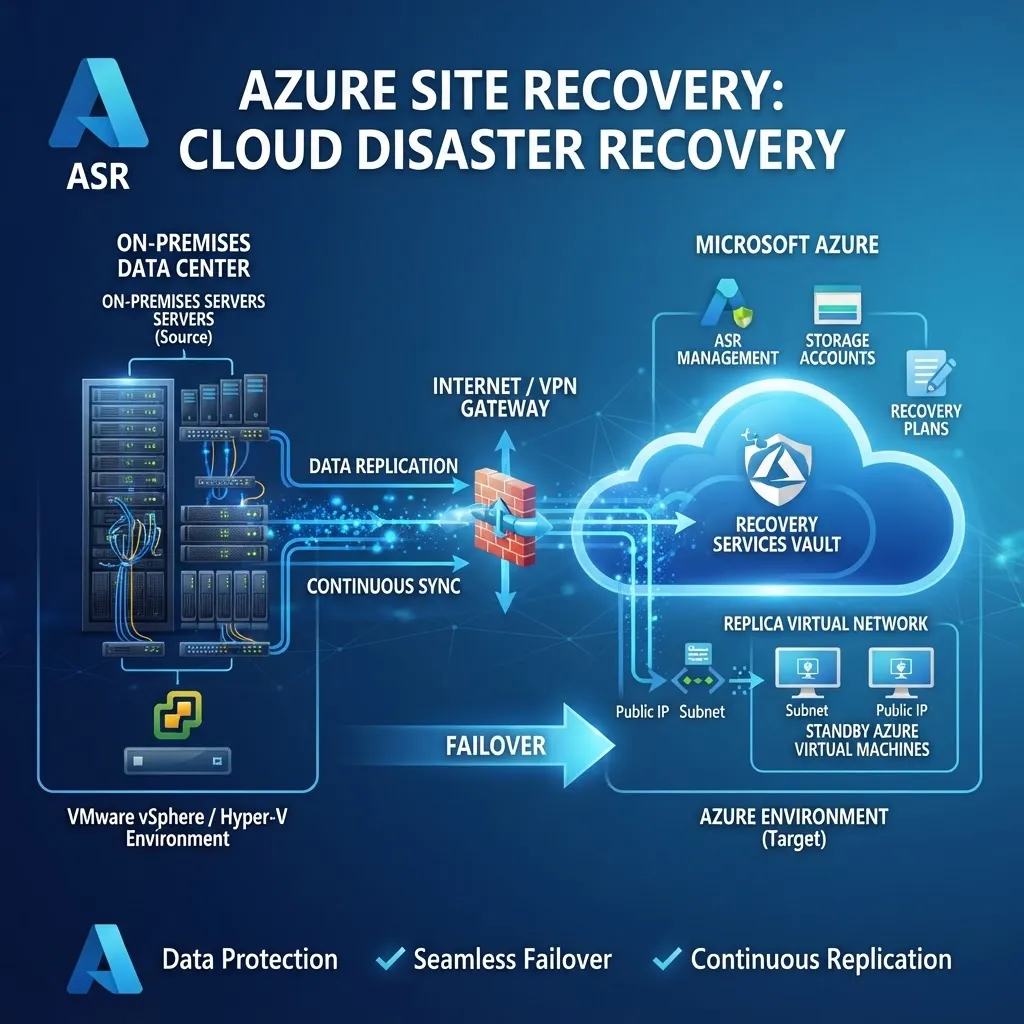
Azure Site Recovery: Zero-Downtime Disaster Recovery for UK Businesses
How Azure Site Recovery delivers automated, tested disaster recovery with recovery times under 2 hours — and why every UK business with on-premises servers should implement it before disaster strikes.

IT Budget Planning: A Complete Guide for UK SMEs in 2026
How to plan, forecast, and optimise your IT budget for 2026 — with real cost benchmarks for managed support, cloud infrastructure, cybersecurity, and Microsoft 365 licensing for UK small businesses.

Microsoft 365 Migration: A Step-by-Step Guide for SMEs
Migrating to Microsoft 365 without downtime or data loss. The exact phased approach our engineers follow, from audit to go-live.


Sources & further reading
Independent guidance from UK regulators, standards bodies and technology vendors that underpins the advice on this page.
- VMwareCloud infrastructure and vSphereVirtualisation platform documentation referenced in our infrastructure work.(opens in a new tab)
- CitrixDigital workspace and app deliverySecure remote access and application delivery platform documentation.(opens in a new tab)
- Microsoft LearnAzure Virtual Desktop documentationDelivering secure, managed Windows desktops and apps from the cloud.(opens in a new tab)
- National Cyber Security Centre10 Steps to Cyber SecurityThe UK's baseline framework for protecting business systems, people and data.(opens in a new tab)
Book your free consultation
in 30 seconds.
No obligation. No spam. Just a certified engineer with a clear, proactive roadmap.