
Multi-Factor Authentication (MFA)
Multi-factor authentication (MFA) is the single most effective security control for protecting against unauthorised access. By requiring a second form of verification in addition to a password — typically a code from an authenticator app, a biometric scan, or a hardware token — MFA blocks 99.9% of identity-based attacks, including phishing, password spray, and credential stuffing. Despite this, many UK businesses still don't have MFA enabled for all users, leaving their systems vulnerable to the most common attack vectors. We help businesses across London and the UK implement and manage multi-factor authentication — ensuring every user, every account, and every system is protected by MFA, without creating unnecessary friction for your team.
Multi-factor authentication (MFA) is a security mechanism that requires users to provide two or more forms of verification to access an account or system. The factors are typically: something you know (password), something you have (phone, hardware token), and something you are (biometric). MFA can use authenticator apps (Microsoft Authenticator, Google Authenticator), SMS codes, email codes, hardware tokens (YubiKey), or biometric verification (Windows Hello, Touch ID). Microsoft Entra ID provides MFA as part of Microsoft 365, with advanced features through Entra ID P1 and P2.
Understanding Multi-Factor Authentication (MFA)
Multi-factor authentication (MFA) is a security mechanism that requires users to provide two or more forms of verification to access an account or system. The factors are typically: something you know (password), something you have (phone, hardware token), and something you are (biometric). MFA can use authenticator apps (Microsoft Authenticator, Google Authenticator), SMS codes, email codes, hardware tokens (YubiKey), or biometric verification (Windows Hello, Touch ID). Microsoft Entra ID provides MFA as part of Microsoft 365, with advanced features through Entra ID P1 and P2.
The business impact
MFA blocks 99.9% of identity-based attacks. Passwords alone are no longer sufficient — they can be stolen, guessed, or phished. MFA adds a second layer of security that makes it extremely difficult for attackers to access accounts even if they have the password. With the rise of remote work, cloud applications, and sophisticated phishing, MFA is no longer optional — it's essential. Cyber Essentials, GDPR, and most insurance policies now require MFA.
Who needs this?
Every business should have MFA enabled for all users. Businesses using Microsoft 365, cloud applications, or remote access. Businesses with compliance requirements (Cyber Essentials, GDPR, FCA, PCI DSS). Businesses that want to protect against phishing, password theft, and credential stuffing. Businesses that want to reduce the risk of business email compromise and account takeover.
Who doesn't need this?
No business should be without MFA. Even very small businesses (1–3 users) should enable MFA — it's free with Microsoft 365 security defaults. The only question is which MFA method to use and how to configure it for your specific needs.
The technical overview
MFA requires users to provide a second form of verification when signing in. After entering their password, the user is prompted for a second factor — typically a code from an authenticator app, a push notification to their phone, or a biometric scan. The second factor is verified by the identity provider (Entra ID for Microsoft 365). Conditional access policies can require MFA only in certain situations (e.g., when accessing from outside the office), reducing friction for users. We handle the design, deployment, and management of your MFA solution.
Related technologies
What affects the cost?
Expert recommendations
Enable MFA for all users — not just administrators. Every account is a potential entry point.
Use authenticator apps rather than SMS — SMS is vulnerable to SIM swapping and interception.
Implement conditional access to require MFA only when needed — reducing user friction.
Use hardware tokens (YubiKey) for high-privilege accounts like administrators.
Train users on MFA setup and usage — poor user experience leads to workarounds.
Monitor MFA sign-in logs for suspicious activity — failed MFA attempts can indicate attacks.
Industries that benefit
Need help with multi-factor authentication (mfa)?
Our certified engineers can help you evaluate, deploy, and manage multi-factor authentication (mfa) for your business.
Multi-Factor Authentication (MFA) — your questions answered
Common questions about multi-factor authentication (mfa), pricing, implementation, and best practices.
Related services & client success stories
Real-world multi-factor authentication (mfa) solutions and proven client outcomes from our consulting engagements.
Services

Device Management (SCCM & Intune)
Centralised device management with SCCM and Microsoft Intune for software deployment, patching, and security compliance.

Citrix & Remote Desktop
Secure remote access solutions with Citrix and Azure Virtual Desktop for your distributed workforce.

IT Warranty & Contract Management
Manage all your IT hardware warranties, support contracts, and renewals across multiple vendors in one place — with automated reminders and proactive renewal management.
Case Studies
 Charity & Non-Profit
Cybersecurity Transformation Protects Beneficiary Data for National Charity
Cyber Essentials Plus certification achieved within 8 weeks
 Healthcare
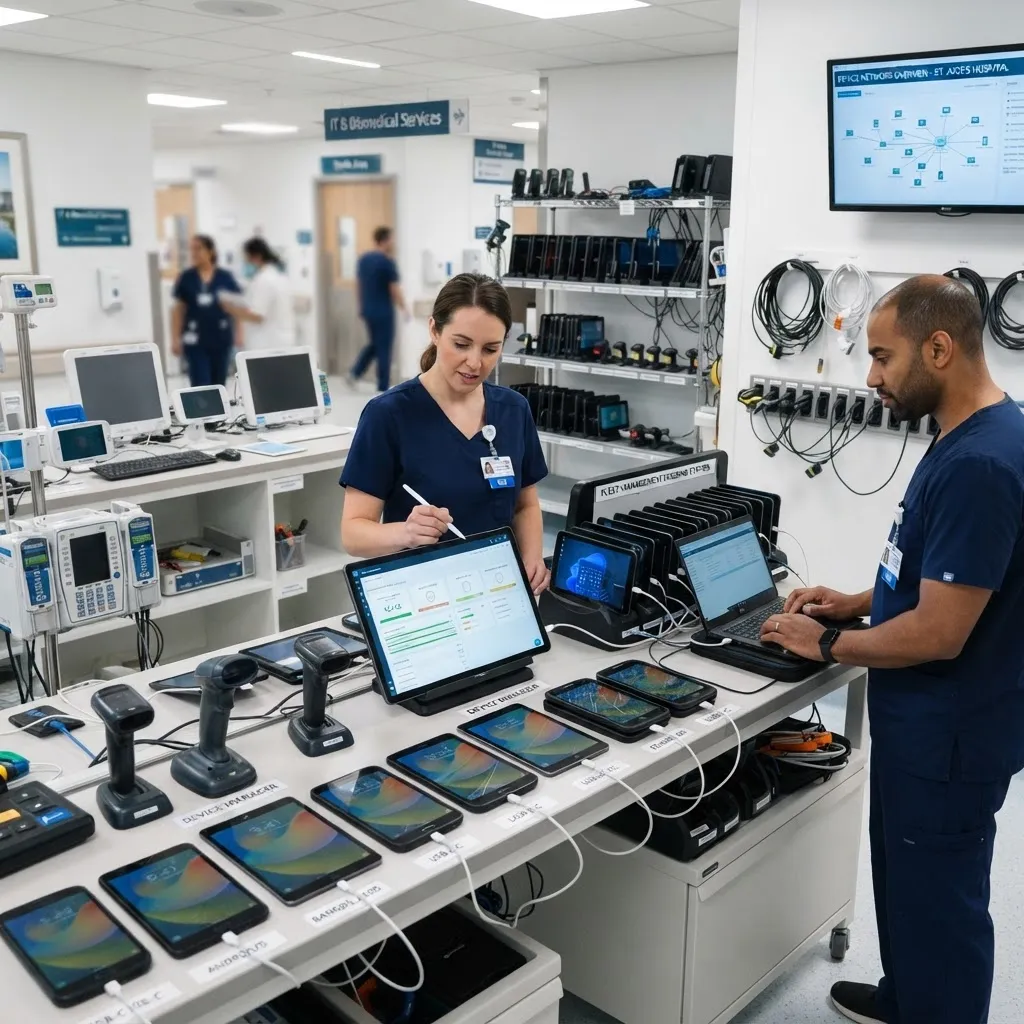
Exchange Migration & Active Directory Restructure for Healthcare Provider
Zero disruption to clinical operations — not a single appointment cancelled or delayed
 Creative & Design
Microsoft 365 Migration Transforms 12-Person Creative Agency in 5 Days
Complete IT transformation delivered in 5 days — zero downtime throughout
Book your free consultation
in 30 seconds.
No obligation. No spam. Just a certified engineer with a clear, proactive roadmap.