
IT Support for Schools & Education in London
Schools and educational institutions face unique IT challenges — safeguarding requirements, limited budgets, diverse user needs, and the increasing demand for digital learning. From classroom technology to safeguarding systems, school information management systems to secure remote learning platforms, schools need IT support that understands the education sector. We provide specialist IT support for schools, colleges, and educational institutions across London and the UK — combining knowledge of education software like SIMS, Bromcom, and Arbor with the safeguarding, security, and compliance standards that schools require. Whether you're a small primary school or a large multi-academy trust, we help you use technology to enhance learning while keeping students safe and data secure.
Yes — we provide specialist it support for schools & education across London and the UK. We understand SIMS, Bromcom, Arbor and the compliance requirements of the education sector. Book a free consultation with a certified engineer.
The IT challenges it support for schools & education face
Safeguarding and child protection
Schools have a legal duty to safeguard students. IT systems must support safeguarding — filtering inappropriate content, monitoring for concerning behaviour, and maintaining records for child protection. We help schools implement safeguarding-compliant IT systems.
School information management systems
Schools rely on management information systems like SIMS, Bromcom, and Arbor for student records, attendance, and reporting. These systems need reliable infrastructure and secure access. We ensure your MIS runs on optimised, supported infrastructure.
Budget constraints
Schools operate under tight budget constraints. We help schools maximise their IT investment — leveraging free and discounted Microsoft 365 Education licensing, optimising infrastructure costs, and providing cost-effective managed support.
Diverse user needs
Schools support diverse users — students, teachers, administrators, and parents — each with different needs and access levels. We design IT systems that serve all users securely and effectively.
Remote and hybrid learning
The shift to remote and hybrid learning requires reliable, secure platforms for online teaching, collaboration, and assessment. We help schools implement and support Microsoft Teams for Education and other learning platforms.
Regulatory requirements we help you meet
Industry software expertise
Sub-sectors we support:
The specific cyber threats targeting your sector
Ransomware targeting school systems
Schools are increasingly targeted by ransomware. Attackers know that schools cannot afford extended downtime, especially during exam periods. Ransomware can encrypt student records, teaching materials, and administrative systems — causing significant disruption to education.
Student data theft
Student records contain sensitive personal data — names, addresses, dates of birth, medical information, and sometimes safeguarding information. This data is valuable to cybercriminals and must be protected to the highest standards.
Phishing targeting school staff
School staff receive phishing emails designed to steal login credentials for school systems and email accounts. Compromised accounts can be used to access student data or send fraudulent communications to parents and staff.
Inappropriate content access
Without proper filtering and monitoring, students may access inappropriate content on school devices and networks. Schools have a legal duty to filter and monitor internet access under KCSIE guidance.
How we help it support for schools & education
Safeguarding-Compliant IT Systems
IT systems designed to meet KCSIE safeguarding requirements — content filtering, monitoring, and reporting that keeps students safe online and supports your safeguarding duties.
School MIS Support
Expert support for SIMS, Bromcom, Arbor, and other school management information systems — ensuring your student records, attendance, and reporting systems are reliable and secure.
Microsoft 365 Education
Deploy and manage Microsoft 365 Education (free for schools) — including Teams for Education, SharePoint, and OneDrive — enabling secure collaboration, remote learning, and digital classrooms.
Cyber Essentials for Schools
Achieve Cyber Essentials certification to protect your school against cyber attacks and meet Department for Education recommendations for school cybersecurity.
Backup and Disaster Recovery
Tested backup and DR solutions that ensure student records, teaching materials, and school systems can be recovered quickly from any incident — with recovery times under 2 hours.
Classroom Technology Support
Support for classroom technology — interactive whiteboards, tablets, classroom devices — ensuring your teaching technology works reliably and enhances learning.
Specialist IT support for your education business
Talk to a certified engineer who understands your industry, your software, and your compliance requirements.
IT Support for Schools & Education — your questions answered
Common questions from education businesses about IT support, compliance, and security.
Real results & expert insights
Case studies and tech insights relevant to education businesses.
Case Studies
 Education
Cloud Transformation Unifies 8 Schools for Multi-Academy Trust
8 separate IT environments unified into a single cloud-based platform
 Charity & Non-Profit
Cybersecurity Transformation Protects Beneficiary Data for National Charity
Cyber Essentials Plus certification achieved within 8 weeks
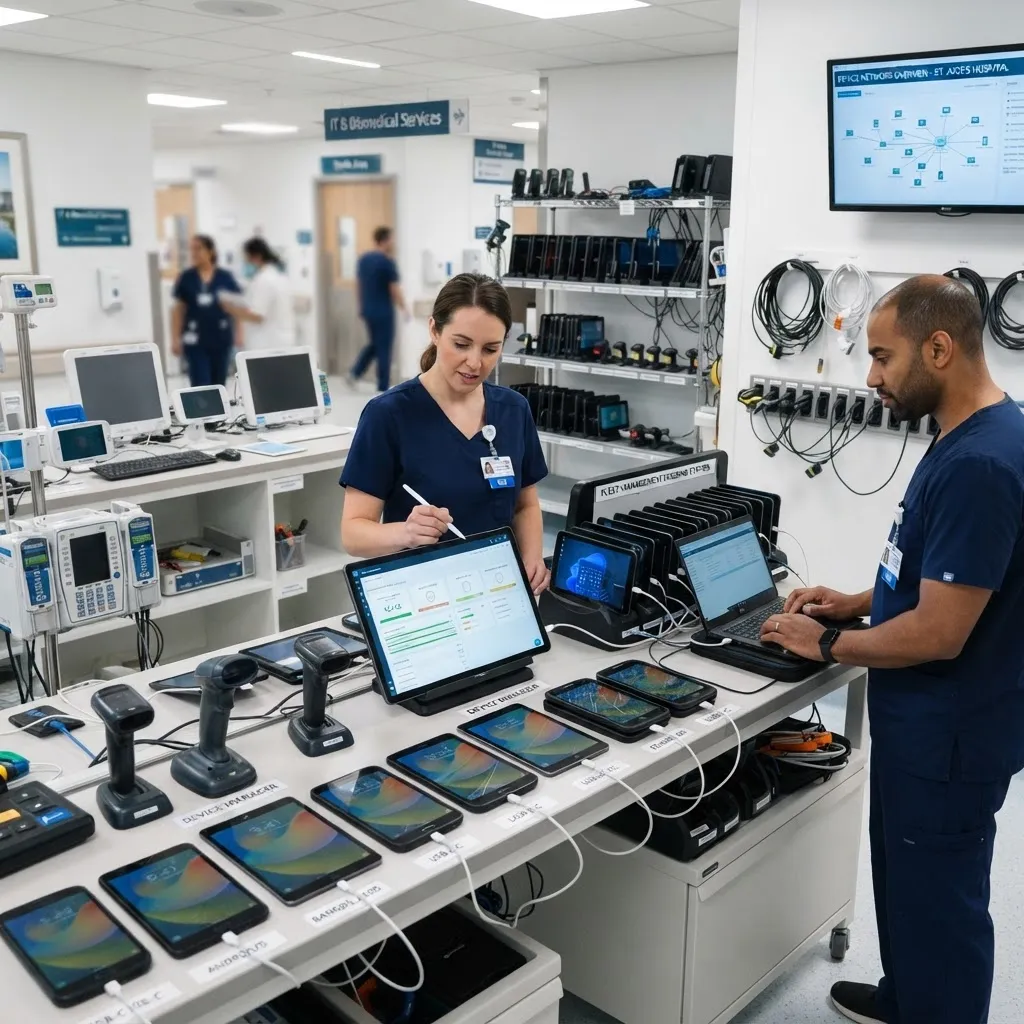 Healthcare
Managed IT Support & Cybersecurity Transformation for Private Dental Practice
Cyber Essentials certification achieved within 6 weeks
Tech Insights
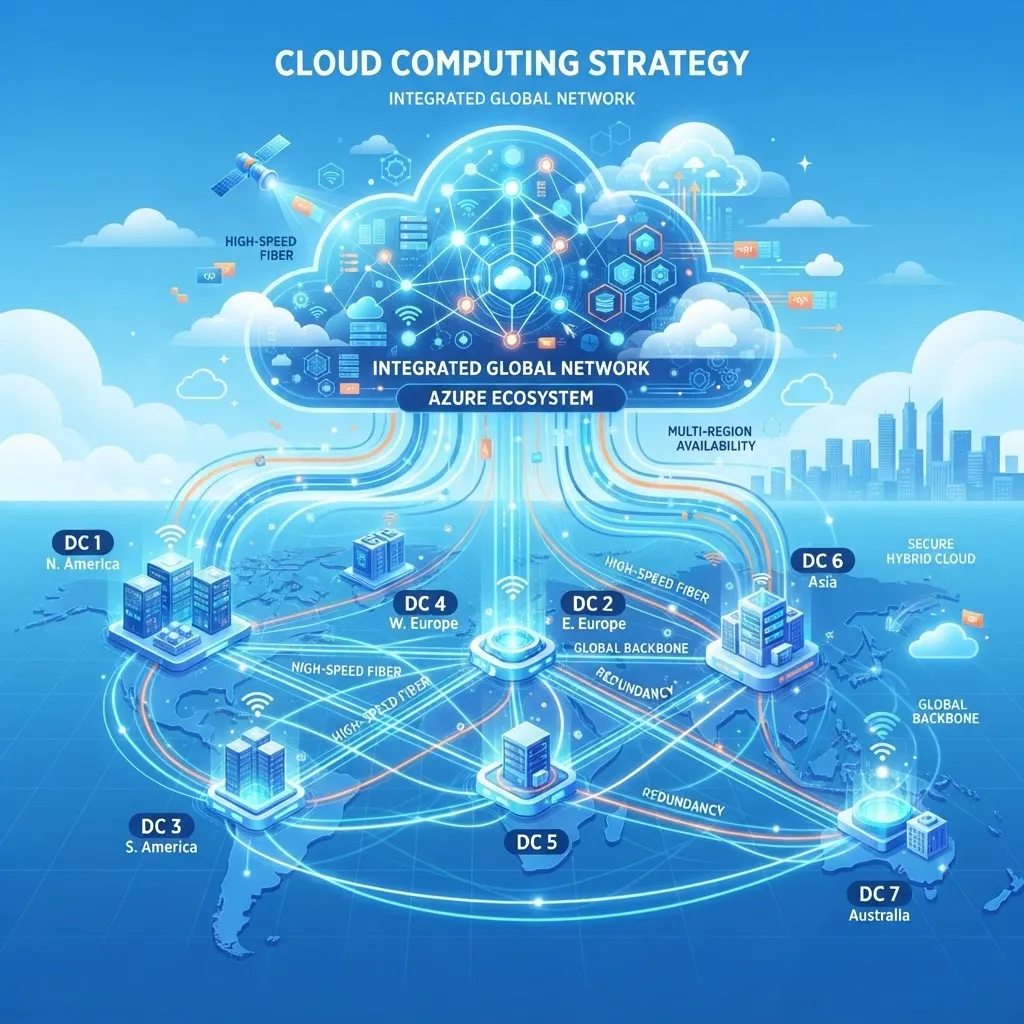
How to Choose the Right Cloud Provider in 2026
Azure, AWS, or Google Cloud? We break down the decision framework we use with London SMEs to pick the platform that fits their growth.

Microsoft 365 Migration: A Step-by-Step Guide for SMEs
Migrating to Microsoft 365 without downtime or data loss. The exact phased approach our engineers follow, from audit to go-live.

SCCM vs Intune: Choosing the Right Device Management Tool for Your Business
SCCM for on-premises control or Intune for cloud-based remote management? We compare features, costs, and use cases to help you decide.
Services for your industry
Managed IT Support & Services
Managed IT support with 24/7 monitoring, proactive maintenance, and certified engineers — keeping your business running under one SLA.
Learn moreCyber Security Services
Managed cyber security services protecting UK businesses from evolving threats — risk assessments, defence-in-depth, compliance, and 24/7 monitoring.
Learn moreMicrosoft 365 Support
Microsoft 365 support services — expert setup, zero-downtime migration, security hardening, and ongoing management of your productivity suite.
Learn moreServer Backup & Disaster Recovery
Comprehensive server backup and disaster recovery solutions to protect your data and minimise downtime.
Learn moreDevice Management (SCCM & Intune)
Centralised device management with SCCM and Microsoft Intune for software deployment, patching, and security compliance.
Learn moreSources & further reading
Independent guidance from UK regulators, standards bodies and technology vendors that underpins the advice on this page.
- National Cyber Security Centre10 Steps to Cyber SecurityThe UK's baseline framework for protecting business systems, people and data.(opens in a new tab)
- National Cyber Security CentreCyber Essentials: overviewThe government-backed certification scheme often required in UK contracts and tenders.(opens in a new tab)
- MicrosoftSecurity threat intelligence and researchVendor threat research and product security guidance.(opens in a new tab)
- Information Commissioner's OfficeUK GDPR guidance and resourcesThe regulator's guidance on handling personal data lawfully in the UK.(opens in a new tab)
Book your free consultation
in 30 seconds.
No obligation. No spam. Just a certified engineer with a clear, proactive roadmap.