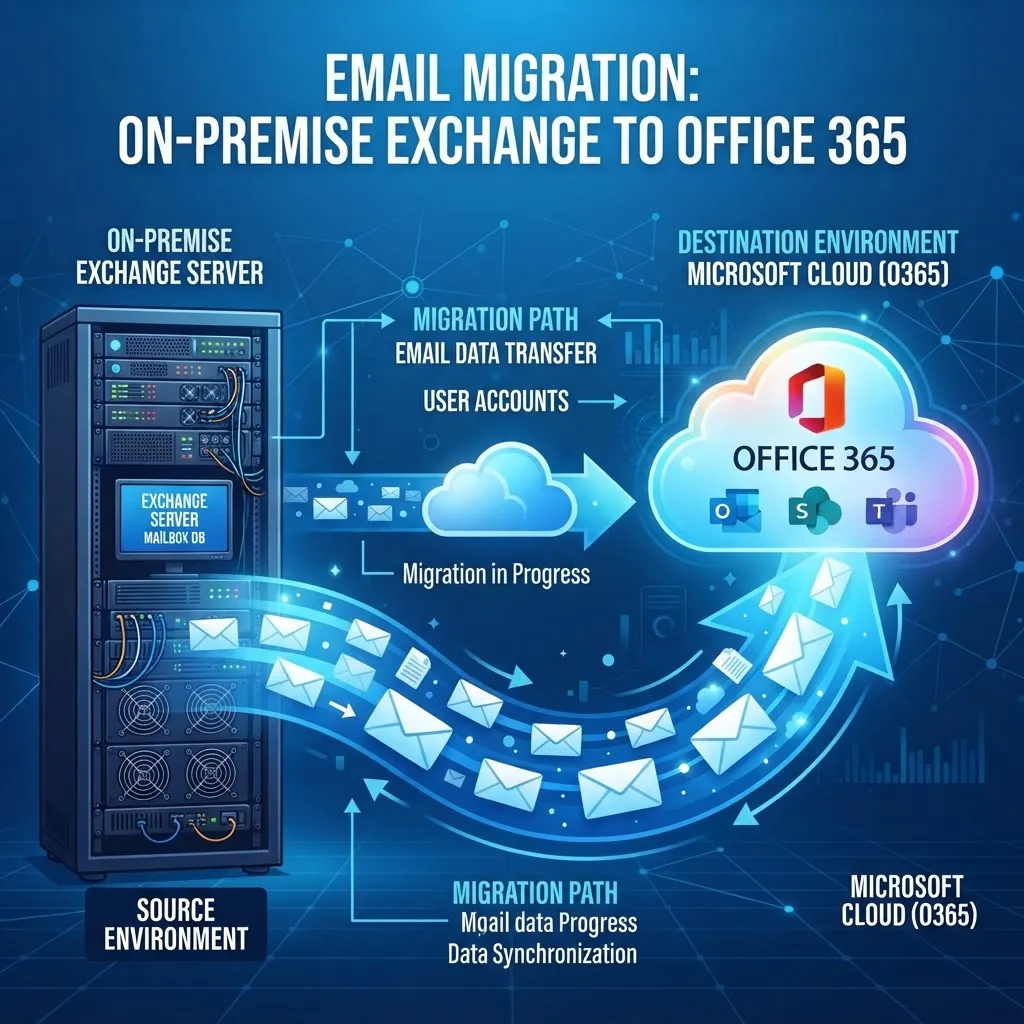
The Short Answer
Choose Office 365 (Exchange Online) if you want lower upfront costs, no server maintenance, larger mailboxes, built-in security, and access from anywhere. Choose on-premises Exchange only if you have strict data sovereignty requirements that prevent cloud storage, need complete control over your email infrastructure, or have specific compliance requirements that mandate on-premises hosting. For over 90% of UK SMEs, Office 365 is the better choice — it is cheaper, more secure, more reliable, and eliminates server maintenance entirely.
On-premises Exchange vs Office 365 at a Glance
| Feature | On-premises Exchange | Office 365 (Exchange Online) | |---------|----------------------|------------------------------| | Upfront cost | £5,000–£20,000 (server + licensing) | £0 (pay monthly) | | Monthly cost | £0 (but server maintenance costs) | £9–£35/user/month | | Mailbox size | 2–5GB (limited by storage) | 50–100GB (included) | | Security updates | Manual (you must patch) | Automatic (Microsoft handles) | | Anti-spam/anti-malware | Third-party required | Included (Exchange Online Protection) | | Backup | Your responsibility | Microsoft handles (but add third-party backup) | | Remote access | Complex (VPN/OWA config) | Native (any device, anywhere) | | Uptime SLA | Whatever you can achieve | 99.9% (Microsoft SLA) | | Maintenance | Significant (patching, updates, hardware) | None (Microsoft handles) | | End of support | Exchange 2019: Oct 2025 | Ongoing (always current) |
Office 365 (Exchange Online) Strengths
- No server maintenance — Microsoft handles all infrastructure, security updates, and hardware. Your IT team focuses on users, not servers.
- Larger mailboxes — 50GB on the basic plan, 100GB on higher plans, with unlimited archiving. On-premises Exchange is typically limited to 2–5GB due to storage costs.
- Built-in security — Exchange Online Protection (anti-spam, anti-malware) is included. Advanced Threat Protection adds safe links and safe attachments. On-premises Exchange requires third-party security products.
- Access from anywhere — Native support for Outlook desktop, Outlook on the web, iOS, and Android. No VPN or complex configuration needed.
- Always current — Office 365 is always running the latest version. No upgrade projects, no end-of-support deadlines.
- Predictable monthly cost — Per-user pricing with no surprise hardware or maintenance costs. Easier to budget than on-premises Exchange.
- 99.9% uptime SLA — Microsoft guarantees 99.9% uptime. Most on-premises Exchange deployments struggle to achieve 99.5%.
On-premises Exchange Strengths
- Complete control — You control every aspect of the server, configuration, and data. No dependency on Microsoft's cloud.
- Data sovereignty — Data stays on your premises. Required by some regulated industries or government contracts that prohibit cloud storage.
- No per-user licensing — You buy the server licence once. Adding users does not increase monthly costs (though you need Client Access Licences).
- Customisation — Full control over transport rules, journaling, and integration with on-premises systems. Some customisations are not possible in Office 365.
- No internet dependency — Email works even if your internet connection is down (internal email only). Office 365 requires internet for all email.
Cost Comparison for 50 Users Over 3 Years
On-premises Exchange:
- Server hardware: £5,000–£10,000
- Exchange Server licensing: £3,000–£6,000
- Client Access Licences (50 users): £2,000–£4,000
- Anti-spam/anti-malware (3 years): £1,500–£3,000
- Backup solution (3 years): £1,000–£2,000
- Maintenance & electricity (3 years): £3,000–£6,000
- Total: £15,500–£31,000 (£103–£206/user/year)
Office 365 (Exchange Online Plan 2):
- £8.50/user/month = £102/user/year
- 50 users over 3 years: £15,300
- Third-party backup (recommended): £1,500–£3,000
- Total: £16,800–£18,300 (£112–£122/user/year)
The costs are similar, but Office 365 includes larger mailboxes, built-in security, no maintenance, and 99.9% SLA. On-premises Exchange requires significant IT effort that is not reflected in the cost comparison.
When On-premises Exchange Still Makes Sense
- Data sovereignty requirements — Some government contracts, defence, or regulated industries require data to stay on-premises.
- Very large mailboxes — If users need 100GB+ mailboxes with full control, on-premises may be more cost-effective (though Office 365 now offers 100GB mailboxes).
- Poor internet connectivity — If your location has unreliable internet, on-premises email works internally even when the internet is down.
- Existing investment — If you recently invested in Exchange Server hardware and licensing, the sunk cost may justify staying on-premises until the hardware is due for replacement.
For 90%+ of UK SMEs, none of these apply, and Office 365 is the clear choice.
The Verdict
For the vast majority of UK SMEs, Office 365 is the better choice. It is cheaper when you factor in total cost of ownership, more secure, more reliable, and eliminates server maintenance. Choose on-premises Exchange only if you have specific requirements that prevent cloud adoption.
Frequently Asked Questions
Is Office 365 cheaper than on-premises Exchange?
For most SMEs, yes. While the monthly per-user cost of Office 365 may seem higher, the total cost of ownership is lower because you eliminate server hardware, licensing, maintenance, electricity, and third-party security products. For 50 users over 3 years, the costs are similar, but Office 365 provides significantly more value.
Can I keep some users on-premises and some in Office 365?
Yes. A hybrid Exchange configuration allows some mailboxes to remain on-premises while others are in Office 365. This is useful for gradual migrations or for keeping specific users on-premises for compliance reasons. Microsoft provides the Hybrid Configuration Wizard to set this up.
Do I still need backups with Office 365?
Yes. Office 365 includes basic retention and recycle bin recovery, but it is not a complete backup. Accidental deletion, ransomware, and malicious insider actions can result in permanent data loss without a third-party backup. A dedicated Microsoft 365 backup service costs £2–£5 per user per month and is strongly recommended.
What happens when Exchange Server reaches end of support?
When Exchange Server reaches end of support (Exchange 2019: October 2025), Microsoft stops releasing security updates. Running an unsupported Exchange server is a critical security risk and invalidates Cyber Essentials certification. You must migrate to Office 365 or upgrade to the latest Exchange Server version before the end-of-support date.
How long does it take to migrate from on-premises Exchange to Office 365?
For most SMEs, the migration takes 2–4 weeks. Small organisations (under 20 users) can complete a cutover migration in a few days. The actual email cutover downtime is under 30 minutes with proper planning and pre-staged migration.